Intake
Onboarding and offboarding
Route new-hire tasks, access requests, manager follow-up, and checklist status without spreadsheet drift.
Event context
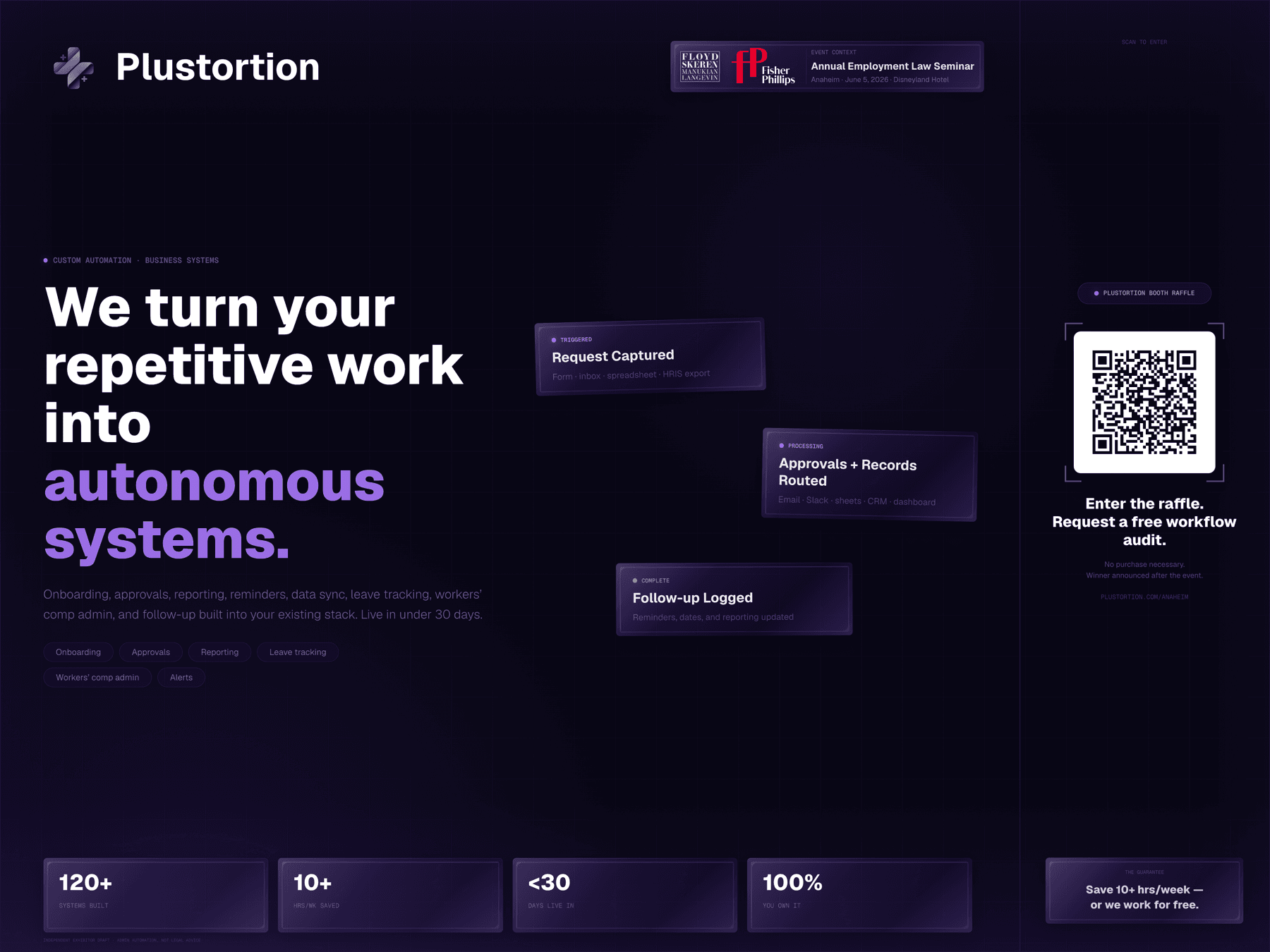
Annual Employment Law Seminar - Anaheim - June 5, 2026 - Disneyland Hotel
For attendees who want repeated handoffs, reminders, records, and reports to stop living in someone's memory.
Plustortion turns repetitive HR and admin loops into automations: intake routing, owner assignment, reminders, record updates, and live reporting inside the tools your team already uses.
Get your leak result
Answer six quick signals and see what is actually leaking: capture, approval, follow-up, records, or reporting.
See the first useful fix
Leave with a concrete first move, not a vague automation pitch or another process worksheet.
Request the free triage
If there is a real build path, Oliver maps the closest system, quote shape, and timeline before paid work.
Plustortion handles operational workflow automation, not legal or HR advice. Your team keeps judgment calls, approvals, exceptions, and final decisions.
Tap through six signals and the scorecard gives you a leak type, a first fix, and the closest Plustortion system fit. No giant process map required.
Signal 1 of 6
Pick the role closest to the repeated work. Your title makes the result specific to your world.
Leak meter
Ready
Start with the seat closest to the mess.
System radar
Live read
Two taps unlock a direction. Six taps make it useful enough to triage.
Personal to your seat
HR, claims, legal, ops, and owner roles get routed by what you actually own.
No homework packet
The result is compact enough to use in a real triage conversation after the event.
What Plustortion automates
Quote-based installs
If your workflow fits something Plustortion has already developed, the quote is faster and cleaner. If it needs new routing, integrations, reports, approvals, or rush timing, the quote changes with the actual scope.
System A - developed install
Leave, restrictions, accommodations, and missing-info follow-up.
Quote anchor: Existing-system installs are usually quoted in the low-$1k to mid-$3k range when the inputs are clean.
Modification cost: Adds scope for HRIS imports, custom reminders, manager routing, exports, or department-specific views.
Standard timeline: Standard: 3-7 business days
Faster timeline: Rush: 48-72 hours when the workflow is narrow; quoted higher for priority build time.
System B - developed install
Recurring training due dates, acknowledgements, renewals, and completion visibility.
Quote anchor: Existing-system installs are usually quoted from under-$2k to the low-$3k range.
Modification cost: Adds scope for many roles, locations, renewal rules, certificate uploads, or multiple data sources.
Standard timeline: Standard: 2-5 business days
Faster timeline: Rush: next-business-day setup is possible only for simple tracker versions and is quoted separately.
System C - developed install
Non-sensitive status, owner routing, document requests, and return-to-work follow-up.
Quote anchor: Existing-system installs usually start in the mid-$2k range and can move past $5k when handoffs multiply.
Modification cost: Adds scope for vendor, carrier, clinic, manager, or multi-team views and stricter access boundaries.
Standard timeline: Standard: 5-10 business days
Faster timeline: Rush: 3-5 business days for a constrained first version; quoted higher when coordination is heavier.
System D - developed install
Policy updates, recipient acknowledgement, reminders, and open-item reporting.
Quote anchor: Existing-system installs are usually quoted in the low-$1k to mid-$3k range.
Modification cost: Adds scope for segmentation by location, department, employee type, client account, or report format.
Standard timeline: Standard: 3-6 business days
Faster timeline: Rush: 48-hour launch is possible for a clean list and one acknowledgement flow; quoted as a rush install.
These are quoting anchors, not checkout prices. Exact pricing only makes sense when the install is truly standard; custom versions get scoped after triage so the price matches the actual build.
Where the hours disappear
Most HR and compliance teams do not need another dashboard. They need handoffs, reminders, records, and updates to happen without someone babysitting every step.
Intake
Route new-hire tasks, access requests, manager follow-up, and checklist status without spreadsheet drift.
Leave
Turn requests, status changes, document reminders, and internal updates into one tracked flow.
Claims
Coordinate claim notes, status reminders, internal routing, and follow-up loops without manual re-entry.
Records
Track completion, renewal timing, and exceptions before a missing record becomes urgent.
Review
Create secure intake, assignment, evidence checklists, and reminder workflows while keeping human review in place.
Visibility
Give leadership a current view of open items, aging work, and bottlenecks without another export ritual.
Example workflow
The system handles the repeatable parts. Your team keeps the judgment calls, approvals, exceptions, and final decisions.
Triggered
A form, inbox, spreadsheet row, or HRIS export starts the workflow.
Processing
The system routes work, flags dates, updates records, and schedules reminders.
Complete
Open items, ownership, and reporting stay visible without waiting on a manual recap.
The guarantee
If the approved workflow does not save at least ten hours per week inside the scoped process, we keep working at no additional labor charge until it does.
Official event links
Agenda, registration, sponsor information, and venue details stay close by while the workflow triage stays focused on the admin work your team can automate after the event.